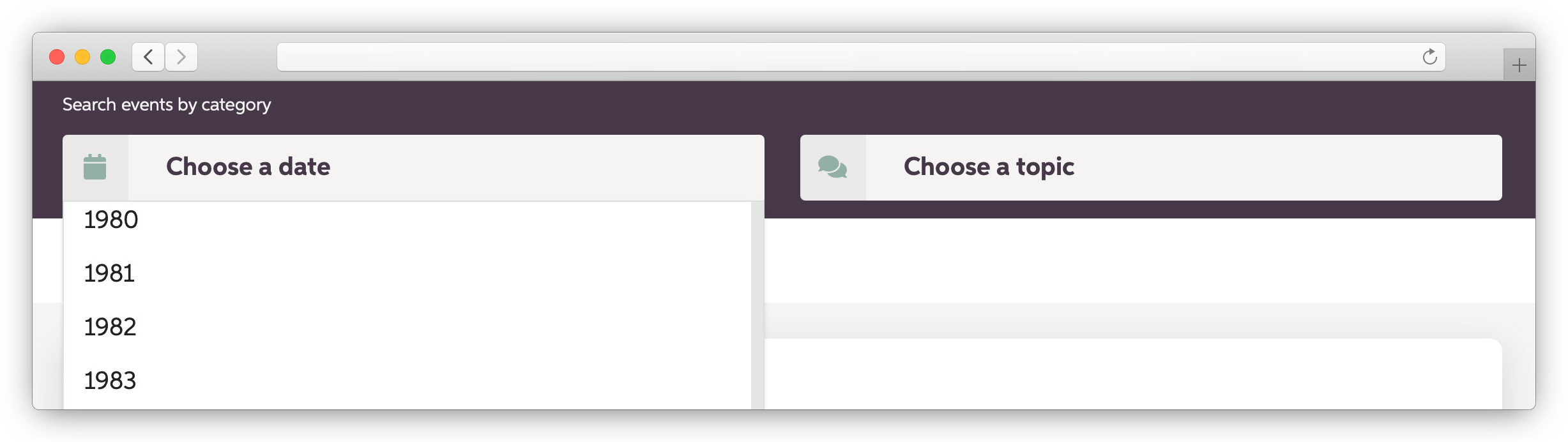
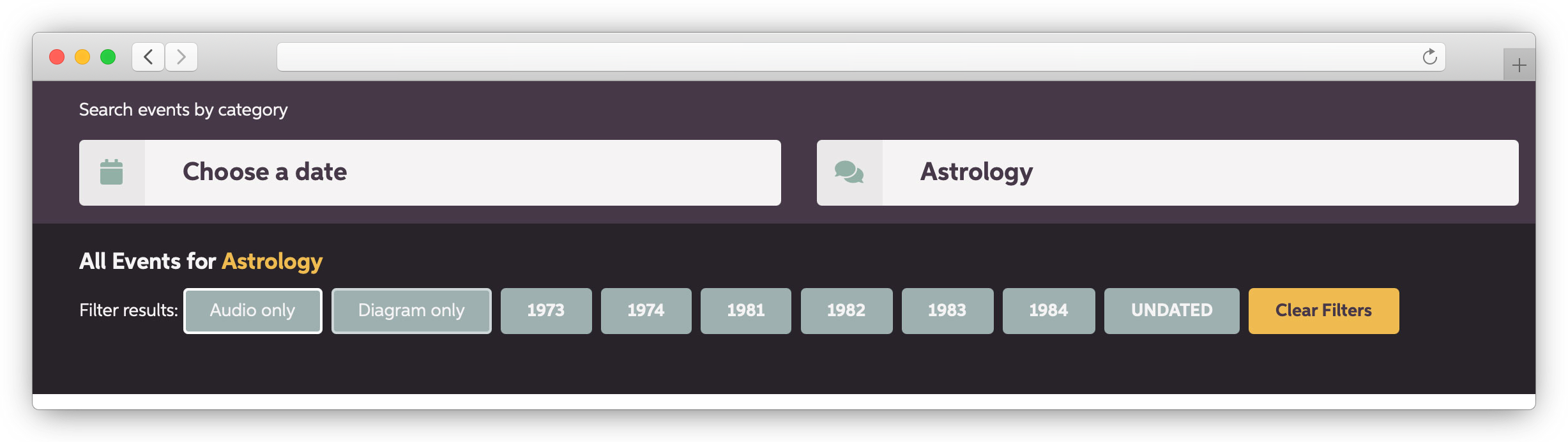
You can search by date or topic. If you search by date, you can select a year. You can then filter the results by topic or by those with audio or those with diagrams.
Class transcripts and papers read and discussed during a class are dated. Other papers are not dated. You can find the latter by choosing “UNDATED” in the date drop-down menu.
If you search by topic, you can filter by date or by those with audio or those with diagrams.
You can also search the entire archive by typing in a word or phrase in the keyword search. The keyword search searches the metadata for the documents—for example, title (if it has one), topic, subject, and keywords. It doesn’t search within the documents. However, once you have selected a document, you can then use the keyword search within the main document to find words or phrases in that document.
The search bar is not case sensitive.